With ten employees, a shared spreadsheet works. At fifty, it starts to fail: attendance disputes, leave balances nobody agrees on, payroll that takes days and a growing pile of documents with no home. This is the point where most companies look for HRMS software, and it is also where they are most likely to buy either too little or far too much.
This checklist is written for owners and HR managers at companies with roughly 30 to 100 employees. It covers what you really need, what you can safely ignore, how to compare vendors, how to run a trial that tells you something, and the red flags worth walking away from.
Signs you have outgrown spreadsheets
- Month-end payroll takes more than a day and still produces corrections
- Employees ask HR for leave balances, because there is no self-service
- Attendance and leave are tracked in different places and disagree
- Managers approve leave over chat and nobody keeps a record
- You cannot answer "how many people were absent last quarter?" without an afternoon of work
- Offer letters and contracts are written from scratch each time
- New joiners and leavers are handled differently every time
If three or more apply, the cost of waiting is already higher than the cost of software.
What a 50-person company really needs
Attendance and leave that connect to payroll
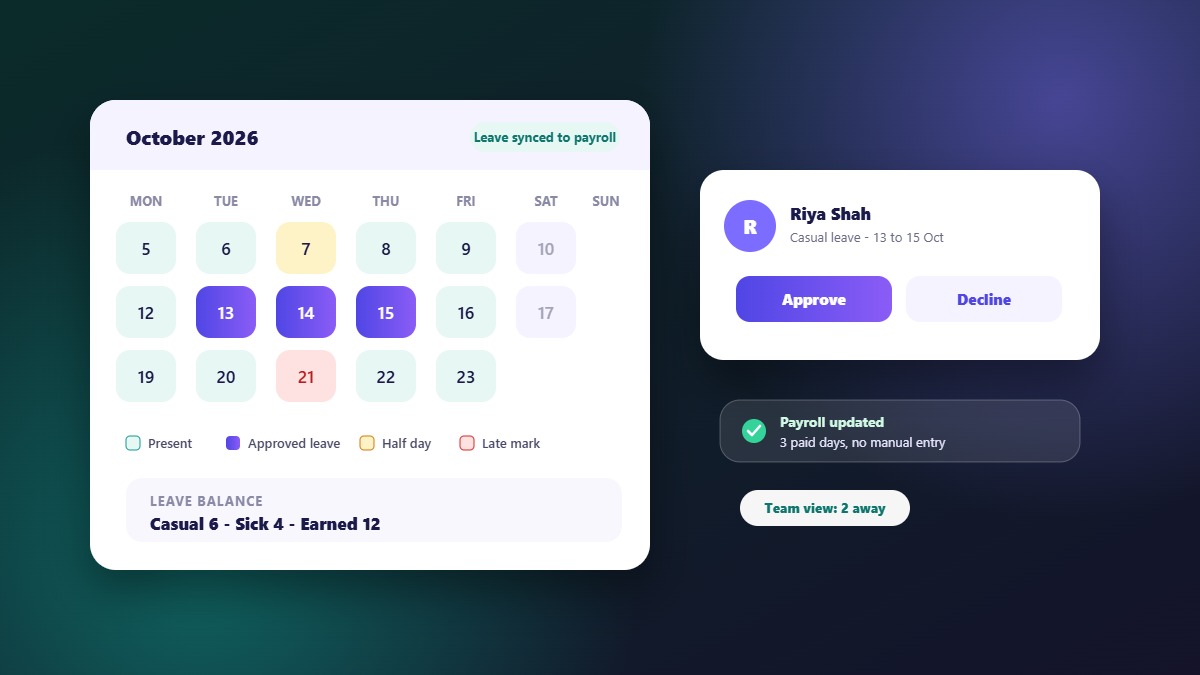
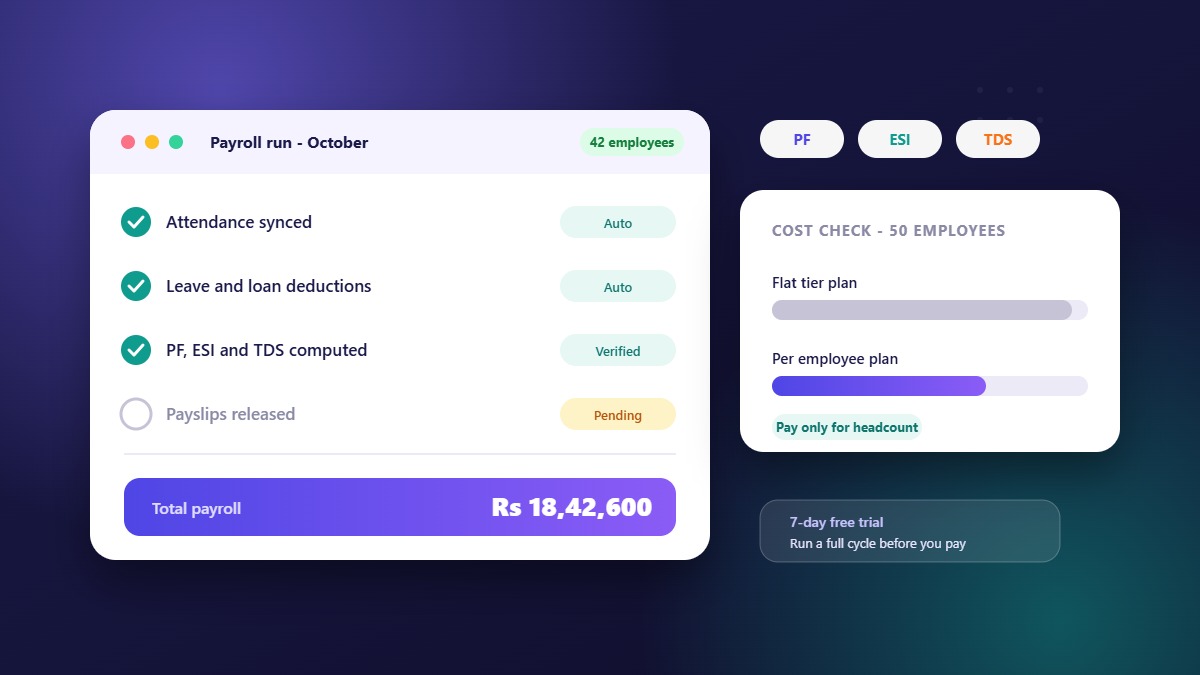
The most expensive errors happen between these three. If attendance, leave and payroll share one record, month-end reconciliation largely disappears. Ask the vendor to show an approved leave reducing a payroll deduction automatically.
Employee self-service on mobile
Employees should check balances, apply for leave, mark attendance and see payslips from their phone. It removes most routine questions to HR, and it is the feature employees notice most.
Simple policy configuration
Your own leave types, shifts and holidays, set up by you rather than a consultant. At fifty people you have a handful of policies, not fifty exceptions.
Payroll that handles your statutory needs
Salary structure with pay heads, payslips and the deductions that apply to your business. Check with your accountant which statutory deductions you need, then confirm the software supports them.
Basic hiring and onboarding
If you hire several people a year, a place to post jobs, track applicants and schedule interviews is more useful than another spreadsheet. Letters generated from templates save time on every hire.
Reports for owners and managers
Headcount, attendance, leave and payroll summaries that export when finance or an auditor asks.
Role-based access
Payroll should not be visible to everyone. You need permissions by role, so managers see their teams and HR sees what HR needs.
What you can probably skip
- Deep performance-management suites designed for thousands of employees
- Custom workflow engines that need a full-time administrator
- Multi-country, multi-currency payroll if you operate in one country
- Heavy analytics modules you will not have time to use
You can add depth later. The right choice at 50 employees is a product that works on day one and has room to grow, not the one with the longest feature list.
Must-have vs nice-to-have
| Must have | Nice to have |
|---|---|
| Attendance, leave, shifts and holidays | Timesheets and project tracking |
| Payroll and payslips | Appraisals and goal tracking |
| Employee mobile app | Asset tracking |
| Employee import from CSV or Excel | Help desk and tickets |
| Role-based permissions | AI-assisted drafting |
| Reports and exports | Vendor and tender management |
| Letters and documents from templates | Custom domain and branding |
Adjust the columns to your business. If you buy from vendors regularly, vendor management may move to the left.
How to compare options step by step
- List your must-haves using the table above and ignore everything else at first
- Shortlist three products that cover them
- Calculate real cost at 50 employees and at the headcount you expect next year. See how HRMS pricing works
- Start a free trial with your real leave policy and a few real employees
- Test the mobile app yourself, not only the demo
- Ask about data import so your existing employee list moves in without retyping
- Check support: who answers, through which channel and during what hours
- Decide with the people who will use it, not only the owner
How to run a trial that tells you something
A demo shows the best case. A trial with your own data shows the real one. In a week you can:
- Import 10 to 20 real employees from a file
- Create your actual leave types and a couple of shifts
- Have a few employees mark attendance and apply for leave from their phones
- Approve a leave and see what it does to attendance
- Generate a sample salary and a payslip
- Post a test job and move an applicant to an interview
- Export a report
Write down every moment you were confused or had to guess. That list is your real evaluation.
Implementation: the first 30 days
Week 1: set up
Company details, departments, designations, leave types, shifts and holidays. Decide the policies on paper first, then configure them.
Week 2: import and invite
Import employees, assign roles, and invite managers and employees to the app.
Week 3: run in parallel
Record attendance and leave in the new system while you keep your old process as a backup.
Week 4: close a cycle
Generate payroll from the new system, compare it with your spreadsheet, fix gaps and then switch fully.
Red flags
- No way to try the product before paying
- Core modules priced as separate add-ons
- Setup fees larger than the first month's bill
- Payroll that needs a manual file from the attendance module
- No mobile app for employees
- Support only by a ticket form, with no stated response time
- Reluctance to put pricing and inclusions in writing
Questions to ask in every demo
- Show me an approved leave flowing into payroll.
- How do I set up a half-day rule or a late-mark rule?
- What can an employee do from the app?
- How are permissions controlled by role?
- How do I import employees, and what does the file look like?
- What reports can I export?
- What does it cost at 50 employees and at 80?
- What happens to my data if I leave?
Where WibesHR fits
WibesHR covers attendance, leave, shifts and payroll, a mobile app for employees, hiring with jobs, applicants and interviews, and a web admin panel with permissions by designation and reports. Employees can be imported from CSV or Excel files. If you also buy from vendors, the vendor and tender module sits on the same records.
Plans are priced per employee per month, with no setup fees and a 7-day free trial that includes every feature. You can start a trial with your own policy or ask us for a demo.
Frequently asked questions
When should a company move from spreadsheets to HRMS software?
When payroll takes more than a day, balances are disputed, or you cannot answer simple questions about attendance and leave without manual work. For many companies that happens somewhere between 25 and 60 employees.
What features does a 50-employee company need?
Attendance, leave, shifts, payroll with payslips, an employee mobile app, role-based access, reports and basic hiring. Deeper performance and analytics modules can wait.
How long does HRMS implementation take?
For a company this size with clear policies, setup can take days rather than months. Plan about a month to run in parallel with your old process and close one full payroll cycle.
Should I choose a tool that also does hiring and vendor management?
If you hire regularly or buy from vendors, a combined platform avoids extra subscriptions and duplicate data. If you only need payroll, a simpler tool may be enough.
How much will it cost for 50 employees?
It depends on the pricing model and what is included. Convert each quote to a monthly cost at 50 employees and again at your expected headcount next year. WibesHR prices per employee per month, so the cost for 50 is the plan rate multiplied by 50.