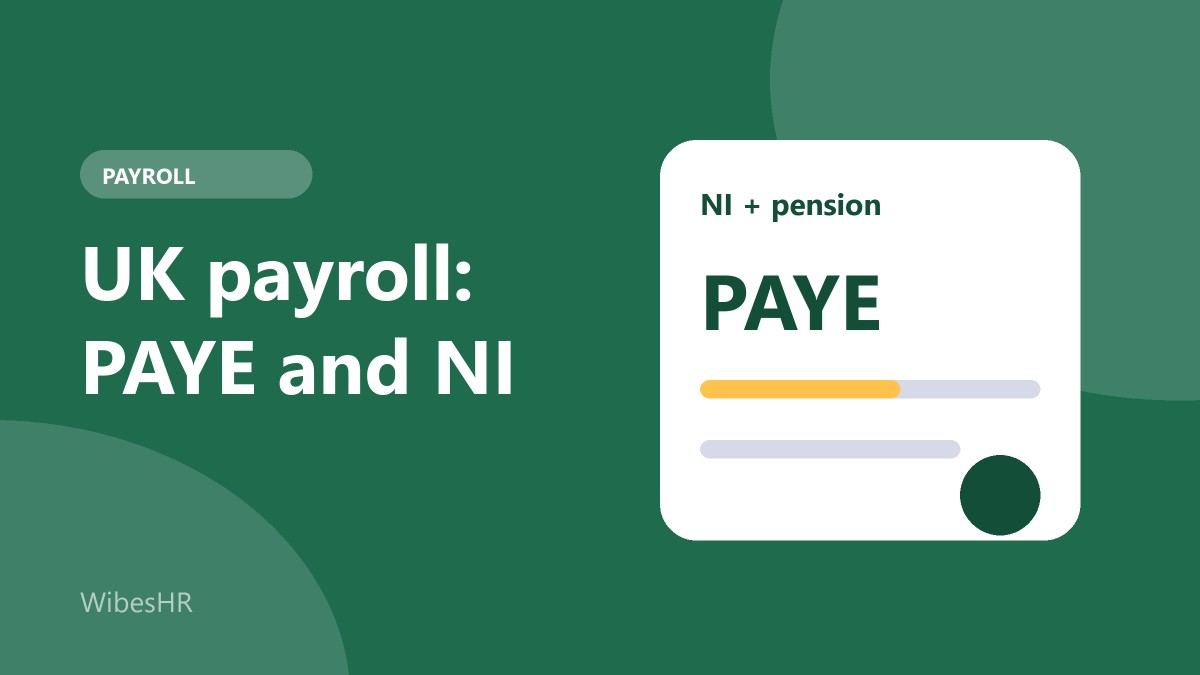
UK payroll looks simple from the outside: the employer takes tax and National Insurance off each payslip and sends it to HMRC. In practice there are a few things that catch new employers out. Tax is worked out cumulatively across the year using a tax code, National Insurance has categories, pensions are compulsory, and HMRC expects a report every time you pay anyone, not once a quarter.
This guide explains how UK payroll works for an employer: PAYE income tax, National Insurance, student loans, workplace pensions, the reporting calendar, and the mistakes that cost the most. It is written for owners and HR managers setting up payroll for the first time, whether you are based in the UK or hiring there from abroad.
The UK tax year is not the calendar year
The UK tax year runs from 6 April to 5 April. Payroll is built around it: tax codes, thresholds, rates and year-end forms all follow that cycle, and most rates are reviewed at the start of each tax year. If your accounting year is the calendar year, keep the two separate when you read payroll reports.
PAYE income tax
PAYE (Pay As You Earn) is how income tax is collected from wages. You do not apply a flat percentage. Instead each employee has a tax code, and you work out the tax due each pay period from the pay so far this tax year.
Tax codes
A tax code tells you how much of the employee's pay can be paid before tax. A code ending in L is the usual one for a person receiving the standard personal allowance. Other codes mean something different:
- BR, D0 and D1: all pay taxed at a flat band (basic, higher or additional rate), typically used for a second job
- NT: no tax is taken
- K codes: the employee owes more than their allowances cover, so extra income is added to their pay before tax is calculated
- S and C prefixes: Scottish and Welsh taxpayers, with Scottish income tax using its own bands
- W1 or M1 suffix: a non-cumulative code, where each period is taxed on its own without looking at earlier periods
For a new starter you normally get a P45 from the previous employer or ask the employee to complete a starter checklist, then use the code HMRC gives you. If you do not have it yet, you use an emergency basis and correct the position once HMRC sends the code.
Cumulative calculation
With a cumulative code the tax due in a period is the tax on all pay to date, minus the tax already paid this year. The result is that an employee who has been under-taxed catches up, and one who was over-taxed gets money back, without anybody filing anything by hand.
National Insurance
National Insurance has two parts, and you pay both.
- Employee (primary) contributions are deducted from pay above a threshold, at one rate up to an upper limit and a lower rate above it
- Employer (secondary) contributions are paid by you on pay above a separate threshold, and are not shown as a deduction from the employee
Each employee has a National Insurance category letter. Letter A covers most employees, and other letters apply for example to employees under 21, apprentices under 25, people over State Pension age and certain veterans, each with different employer or employee rates. Using the wrong letter is a common cause of over or under-payment, so check it when someone joins and when they reach a relevant birthday.
Many small employers can claim the Employment Allowance, which reduces the employer National Insurance bill by a fixed amount each tax year. It is claimed through your Employer Payment Summary, and some employers, such as a company where the sole employee is a director, are excluded.
Student loans and other deductions
If HMRC tells you an employee has a student loan, you deduct a percentage of their earnings above the threshold for that loan plan. There are several plans (for example Plan 1, Plan 2, Plan 4, Plan 5 and a separate postgraduate loan), each with its own threshold and rate. The employee can have more than one. Other deductions, such as attachment of earnings orders, come from a court or authority and have to be applied in the order set out in the order itself.
Workplace pensions and auto-enrolment
Every UK employer must put eligible workers into a workplace pension and contribute to it. In general, a worker is eligible if they are aged 22 or over, below State Pension age and earn above the earnings trigger. Others can ask to join. The minimum total contribution is 8% of qualifying earnings, of which the employer pays at least 3%.
There are two common ways to take the employee contribution from pay:
- Net pay arrangement: the contribution is taken before income tax is worked out, so the employee gets tax relief automatically
- Relief at source: the contribution is taken from net pay and the pension provider claims the basic-rate relief from HMRC
Check which method your pension provider uses, because it changes the payslip. Also check whether contributions are based on all pay or on a band of qualifying earnings.
What HMRC expects, and when
| What | When |
|---|---|
| Full Payment Submission (FPS) | On or before each payday, every pay period |
| Employer Payment Summary (EPS) | When you need to report something outside an FPS, such as claiming Employment Allowance or recovering statutory pay. Send it by the 19th of the following tax month |
| Pay HMRC tax, NI and student loans | By the 22nd of the following month when paying electronically (the 19th if paying by post) |
| P60 to each employee | By 31 May after the tax year ends |
| P45 to a leaver | When they leave |
| P11D for taxable benefits | By 6 July after the tax year ends. HMRC is moving benefits reporting into payroll, so check whether the P11D still applies to you |
Dates and rules are updated from time to time. Confirm the current ones on GOV.UK before you file.
Other things an employer must get right
- National Minimum Wage and National Living Wage: the rate depends on the employee's age and whether they are an apprentice, and the rates change each April
- Payslips: every employee has the right to an itemised written payslip on or before payday
- Statutory payments: Statutory Sick Pay, Statutory Maternity Pay and similar payments follow their own rules and may be partly recoverable
- Right to work checks: you must check and keep a record before someone starts
- Holiday pay: it should reflect regular overtime and other pay patterns, not only basic salary
The mistakes that cost the most
- Using the wrong tax code or leaving a new starter on an emergency code for months
- Choosing the wrong National Insurance category
- Submitting the FPS after payday, which can lead to penalties
- Not enrolling a worker who has become eligible, for example because they turned 22
- Pension contributions based on the wrong earnings definition
- Holiday pay calculated on basic pay only
How WibesHR handles UK payroll
The WibesHR HR and payroll module has a UK payroll pack. It calculates PAYE with cumulative tax codes, Scottish rates and K and D codes, National Insurance by category, student loan and postgraduate loan deductions, and workplace pension contributions either as net pay or relief at source, with an employer contribution and a choice between qualifying earnings and all pay. The Employment Allowance is shared across the company and used up as you run payroll through the year. Pay from a previous employer in the same tax year can be entered for a new starter.
Each run produces payslips with every line broken out, an HMRC summary, a payment file and year-end P60 figures. Pay periods can be monthly, weekly, every two weeks or every four weeks, with thresholds that follow the period.
WibesHR prepares the figures and files, but it does not submit your FPS or EPS to HMRC, and it does not handle salary sacrifice or the apprenticeship levy yet. Bank files are provided as a standard CSV, because each UK bank has its own BACS layout. Plans are priced per employee per month, and the 7-day free trial includes every feature and needs no payment details, so you can run a real pay period first.
Hiring in more than one country? Read the US payroll guide and the Canada payroll guide, and see how HRMS pricing works per employee.
Frequently asked questions
What is a tax code and where does it come from?
A tax code tells an employer how much tax-free pay the employee has. HMRC issues it, usually after the employee gives details through a starter checklist or a P45, and updates it when their circumstances change.
What does an employer pay on top of salary in the UK?
Employer National Insurance on pay above the threshold (reduced by the Employment Allowance if you qualify), the employer's pension contribution of at least 3% of qualifying earnings, and any statutory payments you cannot recover.
When do I have to pay HMRC?
Tax, National Insurance and student loan deductions are normally due by the 22nd of the month after the pay period when you pay electronically (the 19th if you pay by post). Quarterly payment is available to smaller employers who qualify.
Do I have to offer a pension to every employee?
Every employer has to enrol eligible workers into a workplace pension, meaning those aged 22 to State Pension age earning above the trigger. Workers outside that group can ask to join and may be entitled to an employer contribution.
Is this tax advice?
No. Rates, thresholds and deadlines change at the start of every tax year and individual situations differ. Use it to understand the process, and confirm the details with HMRC or your accountant.